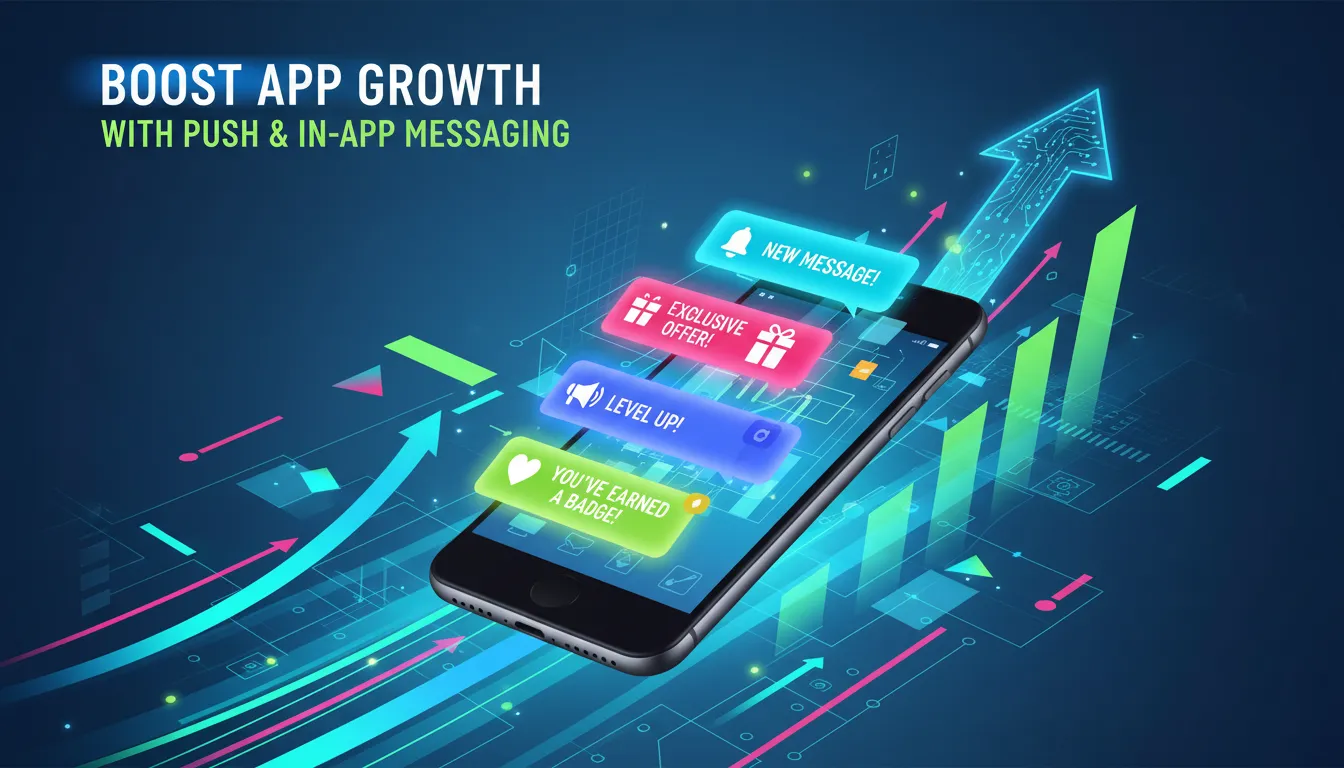
Boost app growth by using personalized push notifications and in-app messaging to drive re-engagement, feature discovery, and retention through data-driven segmentation and contextually relevant, real-time user communication.
In today’s hyper-competitive mobile landscape, simply driving new downloads no longer guarantees sustained success. As competition intensifies and privacy regulations evolve, developers and marketers must focus on engaging users beyond the install screen. Two of the most effective engagement levers to boost app growth are push notifications and in-app messaging. When executed thoughtfully, these channels deliver personalized, contextually relevant content that guides users through their journey, encourages feature discovery, and nurtures loyalty.
Pew Research Center indicates that apps employing tailored messaging campaigns can see retention rates climb by up to 30%. By integrating real-time triggers, location awareness, and user segmentation, you transform generic alerts into valuable touchpoints. In today’s digital landscape, a one-size-fits-all approach can lead to fatigue and unsubscribes, whereas strategically timed notifications foster deeper connections and boost key metrics like session frequency and lifetime value.
This comprehensive article explores proven tactics, best practices, and leading platforms that will empower you to harness push and in-app messaging to boost app growth. We’ll examine message types, personalization strategies, compliance considerations, and measurement frameworks—all designed to turn passive downloaders into active brand advocates.
The Critical Role of Personalized Messaging in App Engagement
Generic broadcasts are losing their effectiveness as users demand more relevance. Personalized messaging leverages user attributes—such as age, interests, subscription tier—and real-time behavior, like recent searches or abandoned carts, to craft targeted communications. By segmenting audiences into micro-cohorts, you can deliver alerts that resonate with individual needs, increasing open rates and driving deeper engagement.
For example, a fitness app might identify users who recently completed a workout and send a push notification acknowledging their consistency, while simultaneously offering a discount on premium meal plans. A finance app could detect low account activity and trigger an in-app banner suggesting budgeting tips based on past spending habits. Each message feels handcrafted, demonstrating that you understand the user’s context and goals.
Segmentation tools allow dynamic audience filters. You might isolate users who haven’t launched the app in seven days and send reactivation incentives, or create a cohort of power users who have achieved certain milestones and present them with VIP offers. According to a Nielsen study, tailored notifications can improve click-through rates by up to 40%, validating the power of personalization.
Ultimately, personalized messaging fosters a dialogue rather than a monologue. As users engage with relevant prompts, they are more likely to explore new features, complete in-app purchases, and develop a habit of returning. This proactive approach is fundamental to boost app growth in a market where the average user churn rate hovers around 70% within 90 days.
Understanding Push Notification Types for Optimal Outreach
![[object Object]](https://appsorbis.com/wp-content/uploads/2026/04/boost-app-growth-with-push-amp-in-app-messaging-in-image-1.webp)
Push notifications extend your reach beyond the confines of the app, appearing on lock screens and notification centers. To maximize impact, it’s crucial to understand the core categories and tailor your campaigns accordingly:
- Transactional Alerts: These messages confirm actions like order receipts, booking confirmations, or security updates. Their high open rates stem from the essential information they deliver.
- Promotional Offers: Time-sensitive deals, seasonal discounts, and coupon codes drive conversions when aligned with user interests. Ensure the value proposition is clear and compelling.
- Behavior-Driven Triggers: Based on in-app actions—such as abandoned carts, completed tutorials, or new feature exploration—these notifications nudge users to return or take the next step.
- Geo-Targeted Messages: Location data powers location-aware alerts. Retail apps, for instance, can notify customers when they’re near a storefront to redeem a special offer.
- Rich Media Notifications: Enhance engagement by including images, GIFs, videos, or interactive buttons. These immersive formats capture attention and boost click rates.
Choosing the right mix depends on your objectives. Transactional alerts maintain trust and transparency, while promotional messages spark immediate action. Behavior-driven triggers keep users on track with their goals, and geo-targeted notifications bridge digital and physical experiences. Rich media elevates the sensory appeal of your campaigns, but balance is key—overuse can burden load times or overwhelm recipients.
By experimenting with these notification types and analyzing performance metrics, you can refine your outreach and ensure each push aligns with user expectations and business outcomes.
Enhancing User Experience with In-App Communications
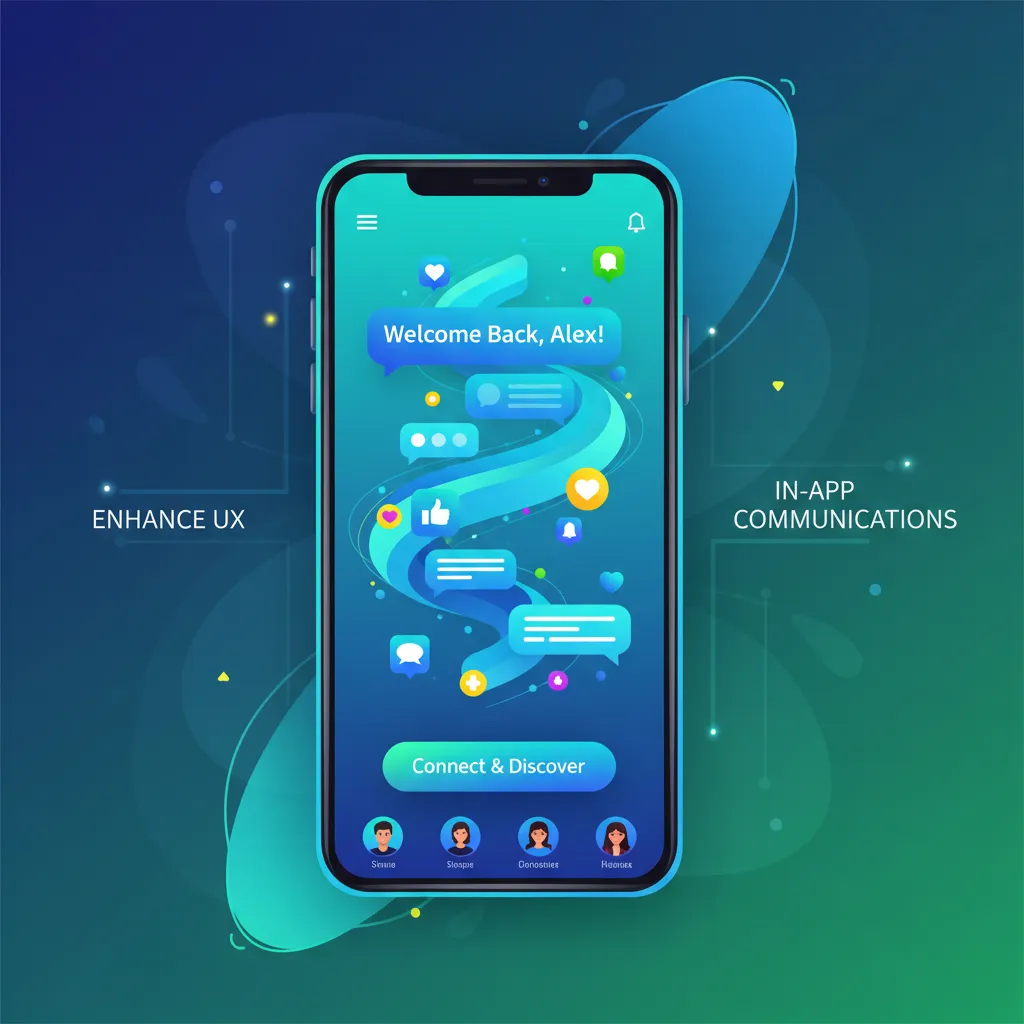
In-app messaging engages users during active sessions, delivering context-sensitive prompts that guide behavior and highlight opportunities. Unlike push notifications, which interrupt, in-app banners, modals, and tooltips seamlessly integrate with the interface to boost adoption and satisfaction.
Key in-app message categories include:
- Onboarding Flows: Step-by-step tutorials orient new users to your app’s core features. By highlighting key screens and interactions, you reduce the learning curve and increase early retention.
- Feature Discovery Prompts: Introduce underutilized capabilities—like advanced filters or new editor tools—when users navigate relevant sections. This contextual timing drives feature adoption and reveals hidden value.
- Feedback & Surveys: Solicit opinions at natural breakpoints, such as after completing a task or reaching a milestone. Capturing user sentiment in real time enables rapid improvement cycles.
- Cross-Sell & Upsell Offers: Suggest premium plans or in-app purchases based on demonstrated interests. For instance, a music app might promote high-fidelity streaming to users with consistent listening hours.
- Error Handling Guidance: When users encounter failures or time-outs, display in-app messages with troubleshooting steps or support links. This proactive assistance decreases frustration and drop-off.
Effective in-app messaging blends design finesse with strategic timing. Use visually distinct elements that align with your brand but avoid intrusive pop-ups. Aim for subtle overlays or slide-ins that respect the user’s current task. Leverage behavioral triggers—such as page scroll depth or button hovers—to deliver messages at the most relevant moment.
By weaving helpful, personalized suggestions into the user journey, you foster a sense of progression and discovery that fuels ongoing engagement and supports efforts to boost app growth.
Implementing Best Practices for Messaging Effectiveness
Personalization & Segmentation
Effective campaigns hinge on delivering the right message to the right user. Leverage demographic data, past behavior, and real-time context to build finely tuned segments. Use dynamic tags—like first name or recent activity—to create a conversational tone that resonates personally.
Timing & Frequency
Balance is essential. Excessive notifications lead to opt-outs, while too few reduce visibility. Implement throttling rules and define quiet hours to avoid sending messages during inconvenient times. Dynamic scheduling based on time zones and user activity windows ensures you hit the peak engagement periods.
Clear Call-to-Action
Every message should guide users toward a single objective: explore a new feature, redeem an offer, or complete a form. Use concise, action-oriented language and deep links that take users directly to the intended screen with one tap.
A/B Testing & Analytics
Continuously experiment with copy, imagery, send times, and audience segments. Track metrics like delivery rate, open rate, click-through rate, conversion rate, and retention uplift. Use these insights to iterate and refine your approach, ensuring each campaign outperforms the last.
![[object Object]](https://appsorbis.com/wp-content/uploads/2026/04/boost-app-growth-with-push-amp-in-app-messaging-in-image-2.webp)
Selecting and Leveraging the Right Messaging Platforms
Choosing a robust messaging platform is critical to scale campaigns and maintain reliability. Top solutions include:
- Braze: Offers advanced audience segmentation, journey orchestration, and seamless integrations with major data warehouses and CRMs.
- OneSignal: A budget-friendly option that delivers cross-platform support, easy setup, and extensive API capabilities for custom workflows.
- Airship (formerly Urban Airship): Enterprise-grade personalization, rich media support, and global delivery infrastructure for high-volume campaigns.
- Leanplum: Combines messaging with in-app experimentation and analytics to optimize user journeys collaboratively with product teams.
- Firebase Cloud Messaging (FCM): Google’s free solution for basic push needs, ideal for simple use cases or startups on a tight budget.
When evaluating tools, consider factors like message deliverability, platform reliability, data integration options, and ease of use. Ensure the solution supports real-time event tracking and offers built-in analytics to measure performance against your objectives to boost app growth.
Frequently Asked Questions
What’s the difference between push notifications and in-app messaging?
Push notifications are delivered externally to the user’s device—even when the app is closed—making them ideal for driving re-engagement. In-app messages appear while users are actively using the app, offering context-sensitive prompts that guide behavior without interrupting the experience.
How often should I send push notifications?
There’s no one-size-fits-all frequency. Best practice is to monitor engagement metrics and user feedback, setting throttling rules to prevent overload. Many apps start with 3–5 notifications per week, adjusting up or down based on opt-out rates and engagement trends.
How can I measure the success of my messaging campaigns?
Track key metrics like delivery rate, open rate, click-through rate, conversion rate, and retention uplift. Use cohort analysis to see how different segments respond over time. A/B testing variations in copy, timing, and creative assets will help determine the most effective strategies.
How exactly do push notifications work to boost app growth?
Push notifications act as an “external heartbeat” for your app. They allow you to reach users who aren’t currently active, drawing them back into the interface with high-value prompts. By increasing the frequency of return visits (session density), you naturally improve retention and lifetime value (LTV).
How does in-app messaging differ from push in terms of user psychology?
Push notifications are “interruption-based,” designed to grab attention on the lock screen. In-app messaging is “flow-based,” appearing while the user is already engaged. While push drives the initial visit, in-app messaging drives feature adoption and prevents frustration by providing help at the exact moment a user might feel stuck.
What is the “Retention Uplift” and how do I calculate it?
Retention uplift measures the percentage increase in active users within a cohort that received messaging versus a control group that did not. This is the ultimate metric to boost app growth, as even a 5% increase in retention can lead to a 25%–95% increase in total profits.
How can I use segmentation to prevent “Notification Fatigue”?
Instead of “blasting” your entire user base, use micro-segmentation. Group users by behavior (e.g., “Frequent Shoppers” vs. “New Signups”) or lifecycle stage. Sending a 10% discount only to users who have an item in their cart but haven’t checked out in 24 hours is highly relevant and less likely to cause uninstalls.
What are the best practices for using Deep Links in messages?
To successfully boost app growth, every message must have a frictionless path. A “deep link” takes the user directly to a specific product or feature page within the app, rather than just the home screen. If your notification mentions a “New Summer Collection,” the link must land them on that specific collection to ensure conversion.
Can “Geo-Targeted” messaging work for non-retail apps?
Absolutely. Travel apps can send weather-appropriate packing tips as a user arrives at a destination. Event apps can send digital badges or schedule updates when a user enters a conference hall. These “location-aware” triggers make your app feel like a proactive personal assistant.
How does “Rich Media” impact message deliverability and engagement?
Including images, videos, or action buttons (e.g., “Buy Now” vs. “Remind Me Later”) transforms a simple alert into a mini-app experience. Data shows that rich push notifications can increase engagement by up to 25% over text-only alerts, though you must ensure media files are optimized for fast loading.
What role does A/B testing play in a growth strategy?
You should never guess which copy works. Test two variables: The Hook (the headline) and The Timing (morning vs. evening). By identifying which combination leads to the highest “Direct Open” rate, you can refine your strategy to boost app growth with data-backed confidence.
How do “Transactional Alerts” build user trust?
While promotional messages drive sales, transactional alerts (order confirmations, password resets, or security pings) provide peace of mind. High reliability in these “functional” messages builds the foundational trust required for users to opt-in to your more “persuasive” marketing messages.
What is the “Quiet Hours” feature, and why is it mandatory?
Sending a loud notification at 3:00 AM is the fastest way to get an app deleted. Top-tier platforms allow you to set “Quiet Hours” based on the user’s local time zone. Respecting a user’s sleep and personal time is a critical, yet often overlooked, part of a sustainable strategy to boost app growth.
Conclusion
In today’s digital landscape, push notifications and in-app messaging are indispensable for driving meaningful user engagement, improving retention, and accelerating revenue. By adopting a personalized, data-driven approach—meticulously segmenting audiences, optimizing timing and frequency, and testing messaging variants—you create compelling experiences that resonate with each user’s journey. Choosing the right platform further empowers you to scale efforts, maintain compliance, and measure success through key metrics like open rates, conversions, and cohort retention.
As you implement these strategies, focus on continuous iteration and user-centric design. Overcommunicate value rather than promotions, respect privacy preferences, and leverage dynamic triggers to deliver messages at the perfect moment. With diligence and the right toolkit, you can effectively boost app growth and transform passive downloaders into passionate advocates.